**node_from_ascii#
Description#
This command creates a .node file using nodal data (external parameters: temperature, pressure, …) given in an ASCII file.
This file can be used to visualize nodal fields in Zmaster, or to apply nodal values in a simulation.
Syntax#
**node_from_ascii
\(~\,\) *ascii_file file
\(~\,\) *bset bset_name
\(~\,\) *nset nset_name
\(~\,\) *nb_field n_f
\(~\,\) *radius rad
*ascii_fileThe name of the ASCII file.
*bsetrestrict the operation to the given bset.
*nsetrestrict the operation to the given nset.
*nb_fieldThe number of fields ( in addition to position (x,y,z)).
Example#
This example can be found in $Z7TEST/Mesher_test/INP/node_from_ascii.inp.
****mesher
 ***mesh node_from_ascii.geof
  **mesh_lin_rectangle
   *ncutx 20
   *ncuty 20
   *sizex 2.
   *sizey 2.
  **translate -1. -1. 0.
  **node_from_ascii
   *ascii_file nodal_data % ASCII file
   *nb_field 1
****return
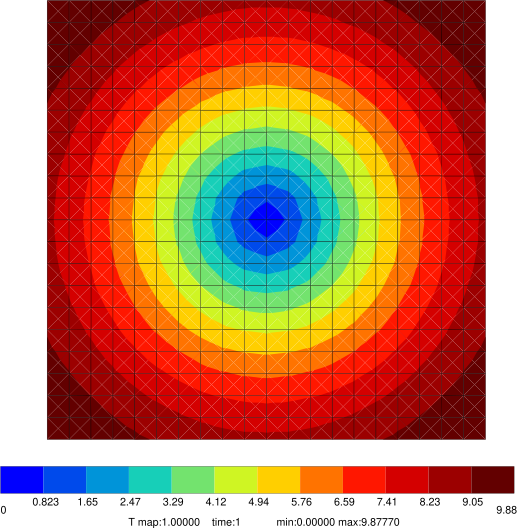
To visualize nodal_data.node file, create a nodal_data.ut file
% nodal_data.ut
**meshfile node_from_ascii.geof
**node T
**element
  1 1 1 1 1.000000000000000e+00
and then run the command Zmaster nodal_data.ut